How many KB should a photo be to print? The wrong question, and the right one
Print quality is decided by pixels, not kilobytes. The formula is print size in inches × 300: a 4 × 6 needs 1200 × 1800 px, which any phone photo already has. File size only tells you whether it has been over-compressed.
Kilobytes are the wrong unit for this question, and it is worth knowing why before you go looking for a number. Print quality is decided by how many pixels you have and how far you are spreading them. File size is a side effect.
The number you actually need is pixels:
pixels needed = print size in inches × 300
Pixels for common print sizes
- 4 × 6 in (10 × 15 cm) — 1200 × 1800 px
- 5 × 7 in — 1500 × 2100 px
- 8 × 10 in — 2400 × 3000 px
- A4 (8.27 × 11.69 in) — 2480 × 3508 px
- Passport photo, 35 × 45 mm — 413 × 531 px
The reassuring part: a 12-megapixel phone photo is 4032 × 3024 px. Divide by 300 and it prints cleanly at about 13 × 10 inches. Almost any photo taken on a phone in the last decade will print at 4 × 6 with pixels to spare.
So where does KB come in?
File size becomes a warning sign, not a target. If a 1200 × 1800 JPEG is only 120 KB, it has been compressed hard somewhere along the way — usually by a messaging app — and you will see it in the print as blotchy skies, mushy shadows and halos around high-contrast edges.
As a rough sanity check, a 4 × 6-ready JPEG straight from a camera or phone is typically 1–3 MB. A 10 × 8 is more like 3–6 MB. Those are not requirements; they are what an uncompressed-enough file tends to weigh. Considerably below that range for the same pixel count, and the detail has already been thrown away.
This is also why sending a photo through a chat app and then printing it disappoints people. The photo still has enough pixels, but the app re-encoded it at a much lower quality to save bandwidth. Nothing downstream can put that back.
300 DPI is a convention, not a law
300 pixels per inch is the standard for things held in the hand, because that is roughly where a person at reading distance stops resolving individual dots. It is not a physical constant, and viewing distance changes it:
- Photos, cards, documents — 300 DPI. Use this unless you have a reason not to.
- Posters viewed from a metre or more — 150–200 DPI is genuinely fine.
- Large banners — printers often work at 72–100 DPI, because nobody stands 30 cm from a banner.
Some labs list a minimum acceptable resolution alongside a recommended one — 150 DPI accepted, 300 DPI recommended is common. That gap is where a slightly small photo still prints acceptably.
Do not upscale to hit the number
If your photo is 800 × 600 and you need 1200 × 1800, resizing it upward will produce a file with the right dimensions and no more detail than it started with. The software invents the new pixels by averaging the old ones, which reads as softness or a faint plastic smoothness. A lab that says "resolution too low" is telling you something a resize cannot fix.
Cropping has the same effect in reverse: cropping to the middle third of a photo throws away two thirds of the pixels. Crop first, then check what you have left.
Two practical things before you print
Convert HEIC to JPG. iPhones save in HEIC by default, and print kiosks, photo labs and a lot of ordering websites still reject it. HEIC to JPG handles it in the browser. Do expect the JPG to come out larger than the HEIC — HEIC is simply a more efficient codec, and that is not a fault.
Do not compress before printing. Compression targets exist for upload forms with a size cap. Printing has no size cap, so shrinking a file before you print only removes detail you paid for.
Passport photos are the exception worth knowing
Passport and ID photos are the one case where the printed size is fixed and small, so the pixel maths is unusually forgiving. 35 × 45 mm at 300 DPI is 413 × 531 px, which any phone exceeds several times over.
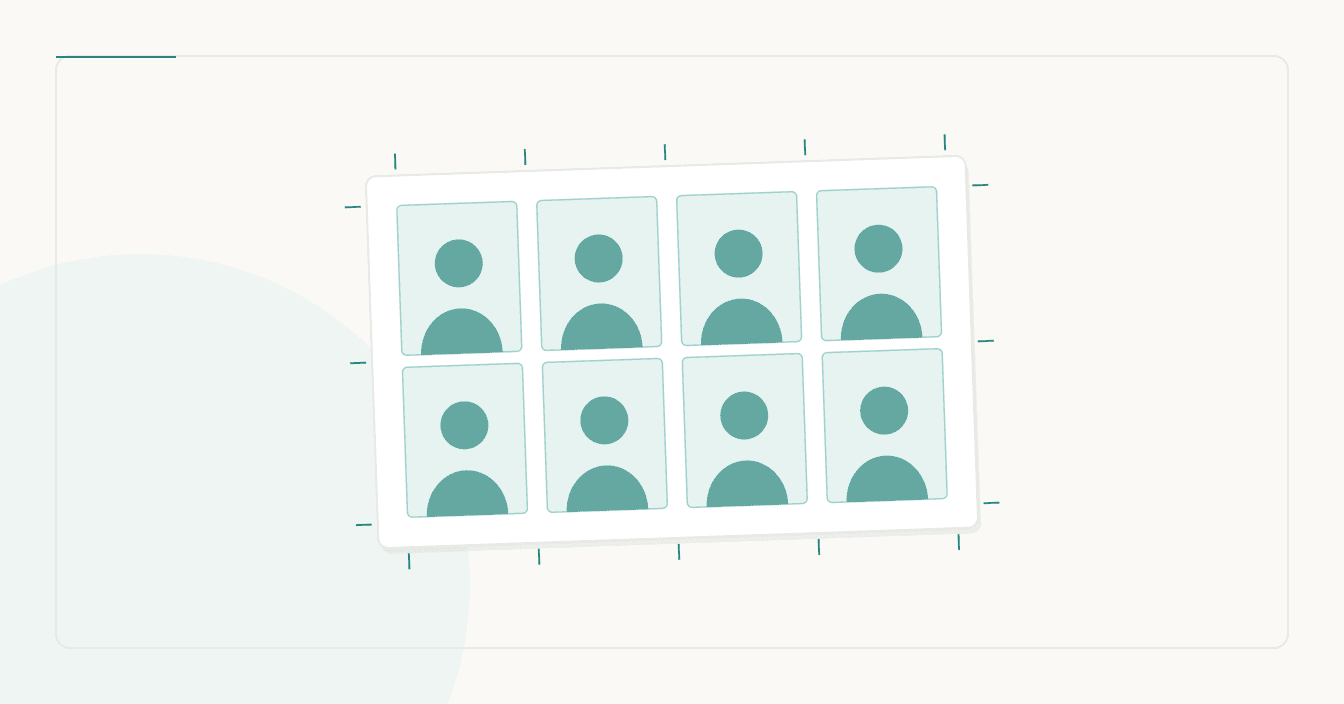
The problem is printing them at exactly the right physical size. The 35 × 45 mm passport photo tool builds a 6 × 4 inch sheet with eight copies and cut guides at 300 DPI, so you can order one standard print at a kiosk instead of paying per photo. The 2 × 2 inch version does the same for US-format photos.
One detail that catches people out: print at 100% or "actual size". If the print dialog is set to "fit to page" or "scale to fit", the photo comes out a few millimetres off, which is enough to be refused. Measure the result with a ruler before you take it anywhere.
More from the blog
- How to Crop a Photo to 2x2 Inches (and Why the Square Is the Easy Part)
- WhatsApp profile picture size: the square you upload and the circle everyone sees
- What size photo for Instagram: the ratios Meta actually publishes
- What DPI for printing? Photos, posters, stickers, T-shirts and Procreate, with the pixel counts that actually matter